BlazeSQL AI
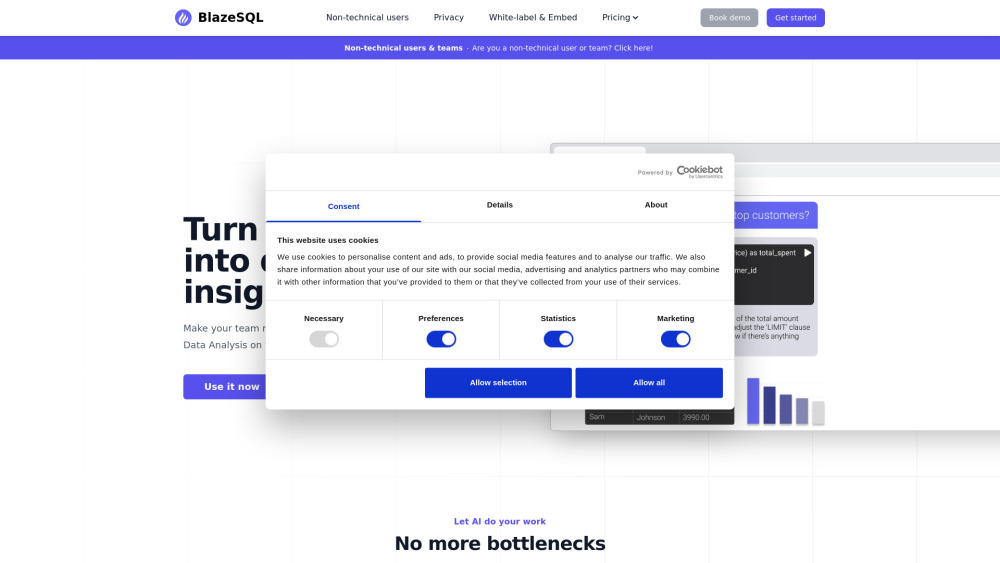
BlazeSQL is an AI-powered SQL query generator and data analytics chatbot that transforms natural language inputs into SQL code and visualizations.
One translation. Verified by 22 AI models.
Compare leading AI translations, preserve document layouts, and add human verification when accuracy matters.
From idea to 3D model in one browser workspace
Generate from text or images, inspect the result online, then export GLB or OBJ and continue toward an STL workflow.

Create more in one place
Generate images, make videos, edit photos and create audio with shared credits.
Explore MagicShotWhat is BlazeSQL
BlazeSQL is an advanced AI platform that makes creating SQL queries and data analysis straightforward. It works like your personal data analyst, allowing you to use natural language for database interactions. Powered by cutting-edge AI like ChatGPT and GPT-4, it enables both technical and non-technical people to extract insights from their databases without detailed SQL knowledge. It works with MySQL, PostgreSQL, Microsoft SQL Server, Snowflake, and many more.
Key Features of BlazeSQL
BlazeSQL is a smart tool for data analysis using AI. It transforms normal language into SQL, links to databases, learns table setups, creates complicated queries, shows data visually, and offers cloud and private desktop access. Its main aim is to make data analysis simple, time-saving and more productive for technical and non-technical users.
Data Visualization: Automatically generates graphs and dashboards based on query results, making data interpretation easier.
Multi-Database Support: Compatible with various SQL databases including MySQL, PostgreSQL, Microsoft SQL Server, Snowflake, and more.
Privacy-Focused Desktop Version: Offers a local, private connection to databases for users concerned about data security.
AI-Powered Query Generation: Converts natural language inputs into SQL queries using ChatGPT technology, enabling users to access data without extensive SQL knowledge.
Database Understanding: Learns and remembers database structures, including table and column names, improving query accuracy over time.
Use Cases of BlazeSQL
Cross-Departmental Data Access: Empowers various departments to access and analyze data independently, reducing bottlenecks in data-driven decision making.
Rapid Prototyping: Allows data scientists to quickly generate and test complex queries, accelerating the data exploration process.
Data Science Education: Helps SQL beginners learn query writing by providing explanations and examples of generated queries.
Business Analytics: Enables non-technical business users to quickly extract insights from company databases without relying on data analysts.
BlazeSQL Pros and Cons
Pros
- Saves time by automating query generation and data visualization
- Offers both cloud and privacy-focused desktop versions
- Supports multiple SQL database types
- Simplifies data analysis for non-technical users
Cons
- Potential over-reliance on AI-generated queries without understanding the underlying SQL
- May produce imperfect queries for very complex requests
- Requires some setup to understand specific database structures
BlazeSQL FAQs
What is BlazeSQL?
BlazeSQL is an AI-driven tool that creates SQL queries and analyzes data. It provides insights through data, SQL code, and visual graphs based on your database details.
Is BlazeSQL suitable for SQL beginners?
Yes, BlazeSQL is helpful for learning SQL. Even if you're unfamiliar with writing queries, the AI can create them for you and offer explanations.
Do I need to upload my data to use BlazeSQL?
No, uploading your actual data isn't necessary. BlazeSQL only requires table and column names to formulate queries.
How do I provide information about my database to BlazeSQL?
You have two ways to provide your database info to BlazeSQL: connecting with your database credentials directly or by running a provided query to copy the structure info to the app.
Can BlazeSQL create complex queries?
Indeed, the system can create complicated SQL. For such complex request, further specific requests, or clarifications from you could be beneficial.
Can BlazeSQL connect to my database?
Certainly, BlazeSQL can integrate with your database. The desktop version allows secure links within your private networks.
Is my data safe with BlazeSQL?
Absolutely, the data in your database isn't uploaded to our servers. The AI utilizes only names of tables and columns to make the queries. Using the desktop version means all data and queries stay on your device and private.
Interested in this product?
Take a look at their websiteUpdated 2026-09-06
BlazeSQL Alternatives
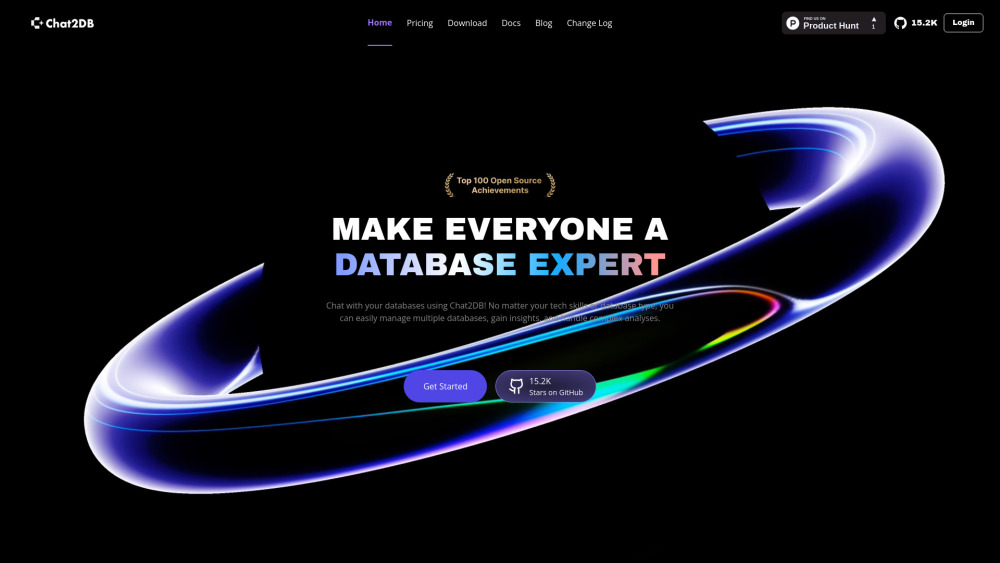
Chat2DB is an AI-powered tool for managing and analyzing databases. It uses natural language to interact with multiple databases, runs SQL operations, and creates visual reports via a smart interface.
Editor's TakeNo review yet
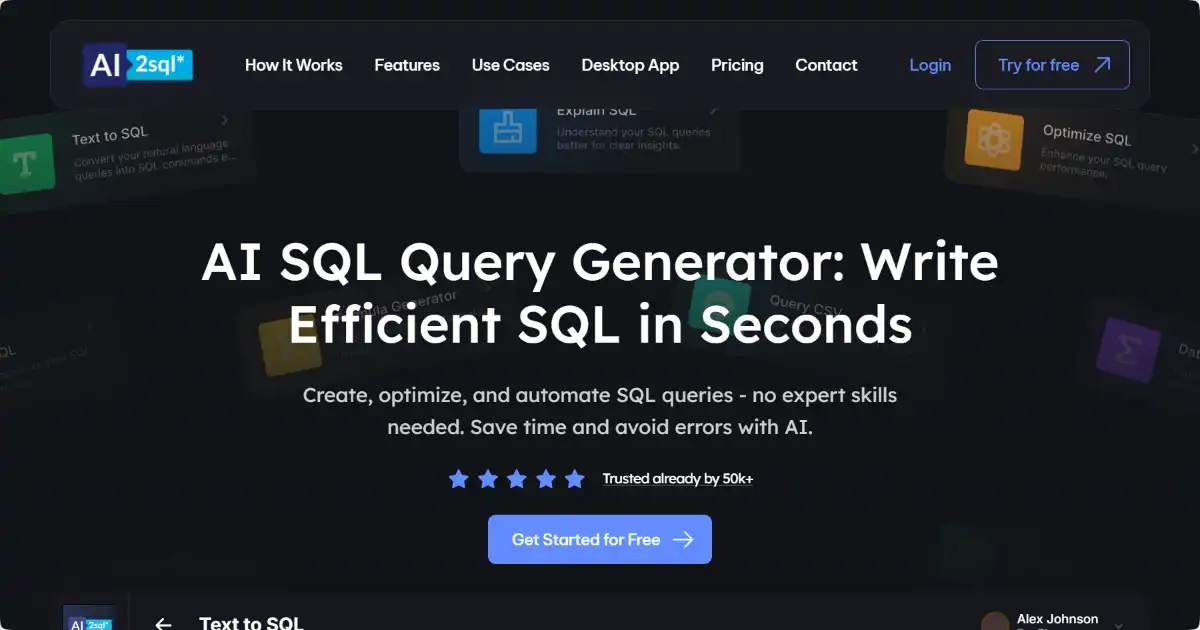
AI2SQL is a powerful tool that generates SQL queries from natural language input. It supports multiple databases and programming languages, simplifying data interaction for all users.
Editor's TakeNo review yet
Find More Tools

CommentGuard is an AI-powered moderation tool that automatically manages and filters comments on Facebook and Instagram posts and ads.
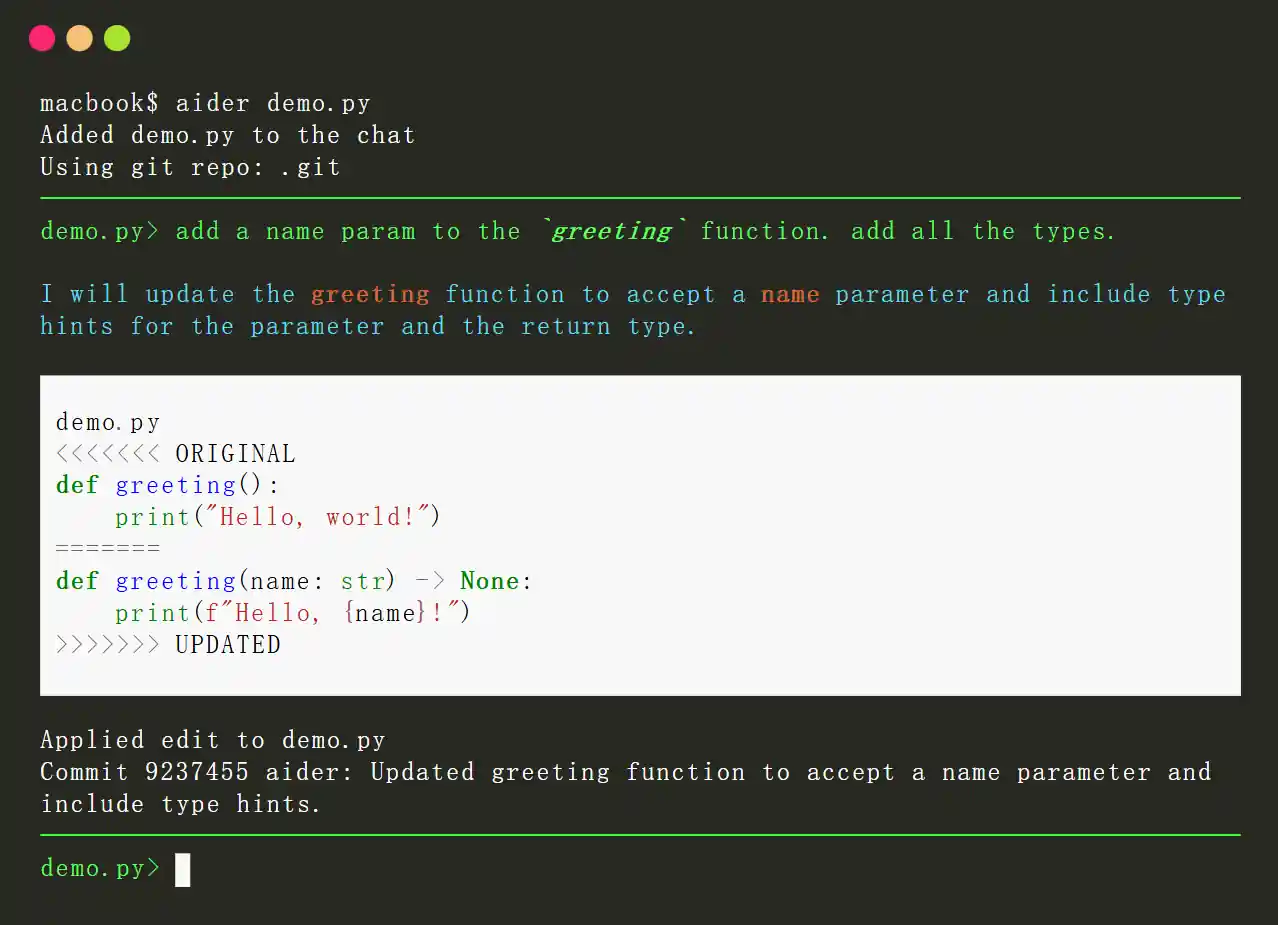
Aider is an open-source AI-powered pair programming tool designed to enhance the coding experience for developers. It integrates with local Git repositories, enabling users to edit, debug, and enhance their code using large language models (LLMs) like GPT-4o and Claude 3.5 Sonnet. Aider streamlines the development process by providing real-time collaboration, context-aware suggestions, and automatic Git integration.
Supermaven is an advanced AI-powered code completion tool designed to enhance developer productivity. It offers fast, high-quality code suggestions, a 1 million token context window, and seamless integration with popular IDEs like VS Code, JetBrains IDEs, and Neovim. Supermaven aims to help developers write code 2x faster and minimize repetitive tasks.
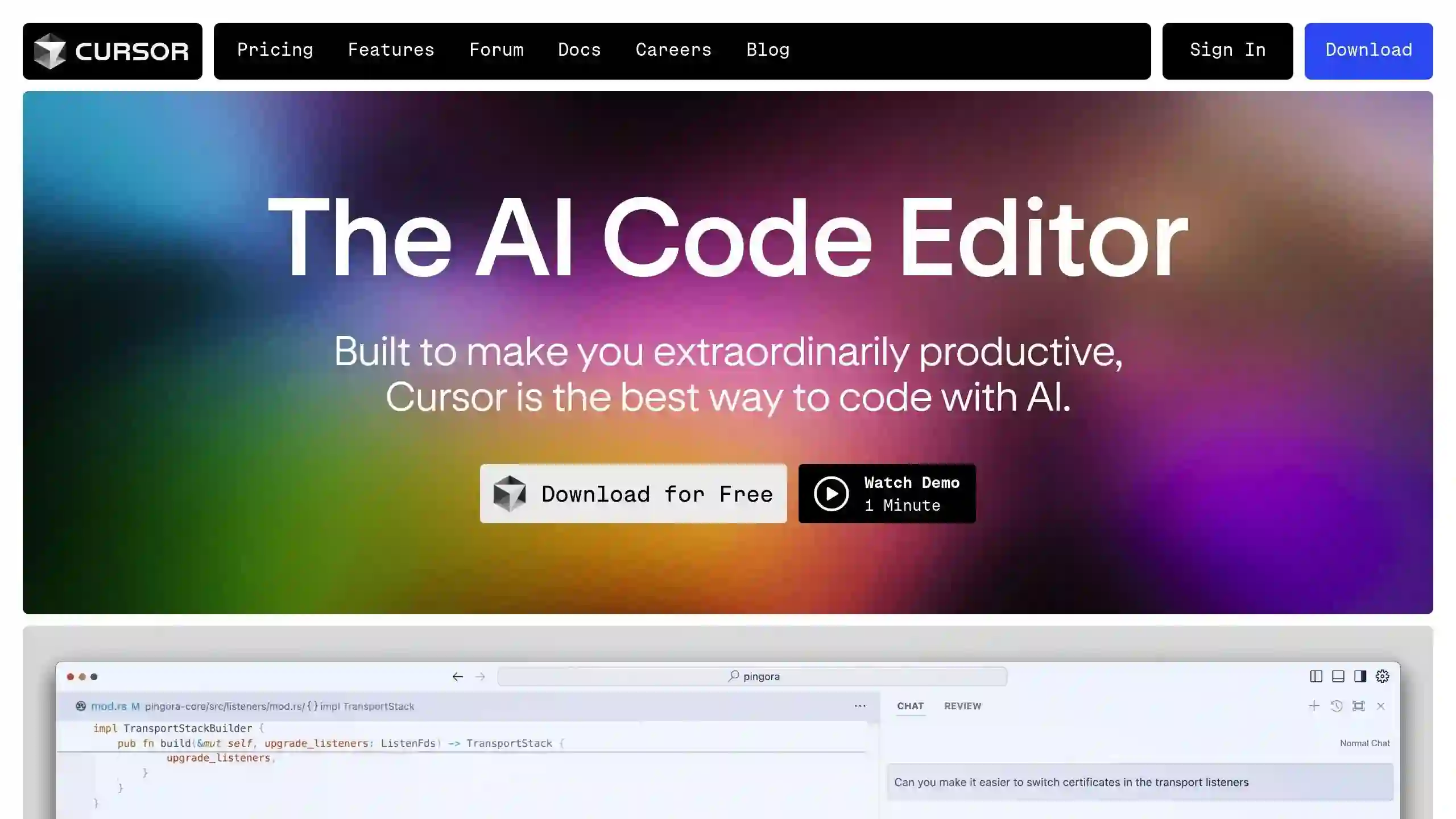
Cursor AI Editor is a powerful, AI-powered code editor designed to enhance the coding experience by integrating advanced artificial intelligence features. Built on a fork of Visual Studio Code, it offers intelligent code completion, predictive editing, and natural language commands, making it a valuable tool for developers of all levels.
Windsurf IDE by Codeium is an innovative AI-powered integrated development environment (IDE) designed to enhance the coding experience for developers. It combines advanced AI tools with traditional coding practices to create a more efficient and intuitive workflow. With features like AI flows, real-time contextual assistance, and a user-friendly interface, Windsurf aims to streamline the development process and empower programmers to work more efficiently.
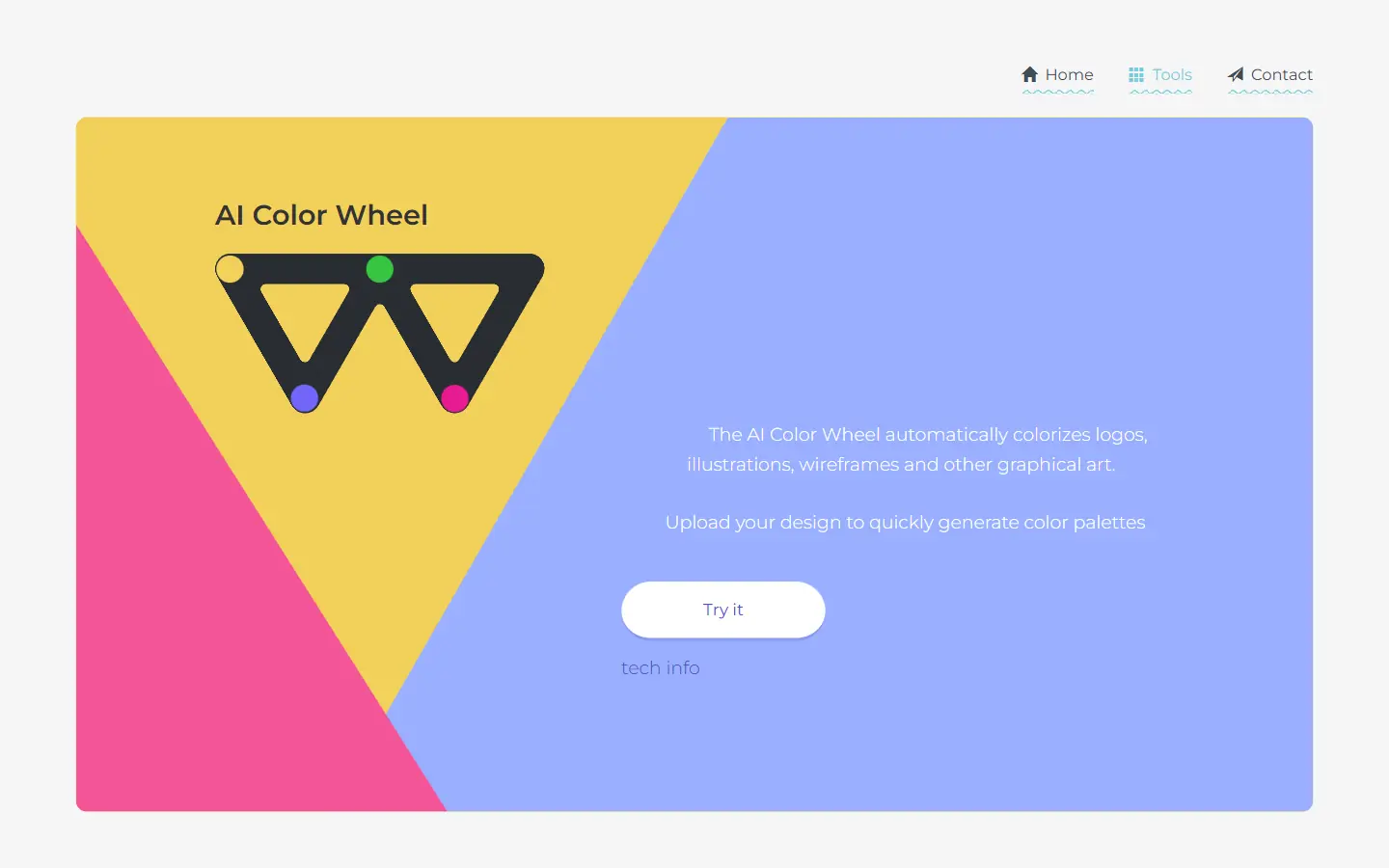
AI Color Wheel is an AI-powered tool designed to help you find the perfect color palette for your logos, illustrations, wireframes, and other graphic designs. By uploading your flat design, the tool automatically generates thousands of unique color variations based on classical and modern art movements. It's like having a team of color experts at your fingertips, ready to provide inspiration and guidance for your next creative project.